Product : Force Touch

Iljin Display provides Force Touch solutions that can recognize pressure force based on the capacitance method. As a physical home button of a smartphone has been changed to a software home button and the concept of Force Touch has emerged. We quickly realized the market need and developed the key-type Force Touch for the first time in Korea. And, we are in mass production. As the Force Touch solution is expected to be extended to various applications, we are also developing a 3D touch solution that integrates Force Touch into a touch sensor.
- New technology that can detect externally applied pressure
- Force Touch is a new technology that can detect externally applied pressure. While the existing touch method recognizes the values of 0 and 1, the Force Touch method recognizes step values from 0 to 20 according to the applied pressure intensity, thereby realizing a more diverse performance capability.
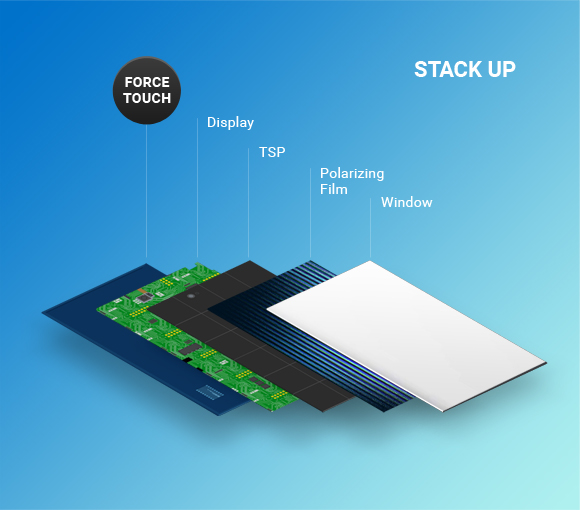
- How does the Force touch mechanism work?
- Thickness changes freely according to the external
pressure and self-springing is excellent

- Recognizes the capacitance change value caused by the thickness change of an elastic body and classifies the intensity of the pressure
- When the pressure is applied to the Force Touch, the thickness of the elastic body changes and the changing capacitance value is recognized as the distance between the electrodes approaches. It is possible to classify the pressure intensity by using the capacitance value which changes according to the intensity of pressure.

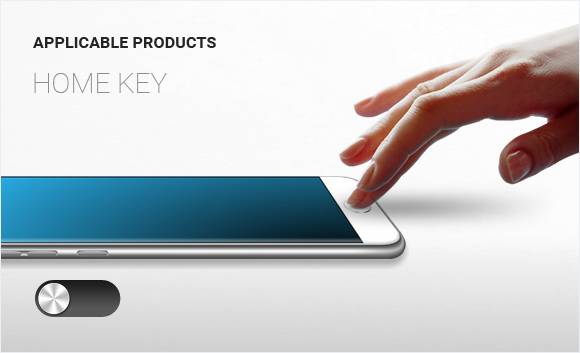
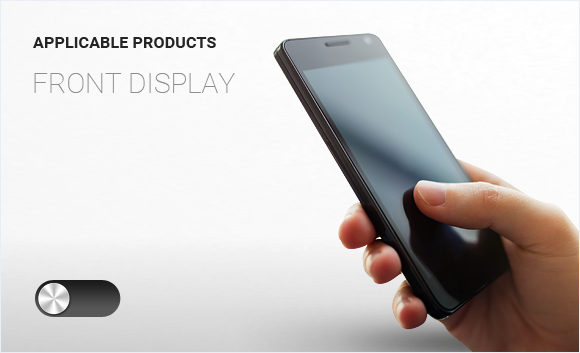
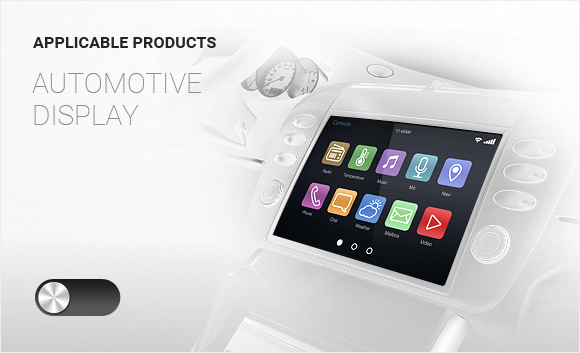
- Force Touch Applicable products
- How ILJIN display Force Touch products are applied
You can see it briefly through the image.